Styles Example
In this example, sketch color customization is enabled. Giving distinct colors to different parts of a segment can help them stand out in the sketch.
To allow color customization in SketchPro™, enable the colorCustomization capability in the sketch configuration.
{
  "capabilities": {
      "colorCustomization": { "flag": "enabled" }
  }
}
With color customization is enabled, each component of a segment can then have a unique style with different fill colors, line colors, line weights, and dash patterns.
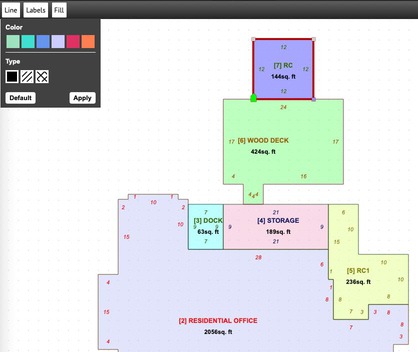
Fill color and pattern
The SDS schema includes all possible variations that a sketch may include.